
Augmented reality for everyone
Bringing static images to life
Augmented reality turns still images into stories your audience can watch, hear and tap. And your story isn't fixed, change it whenever you want and as often as you want.
- Free to use, easy to upload
- Affordable for creators
- Change it whenever you like
What we do
Want a more memorable way to share your work?
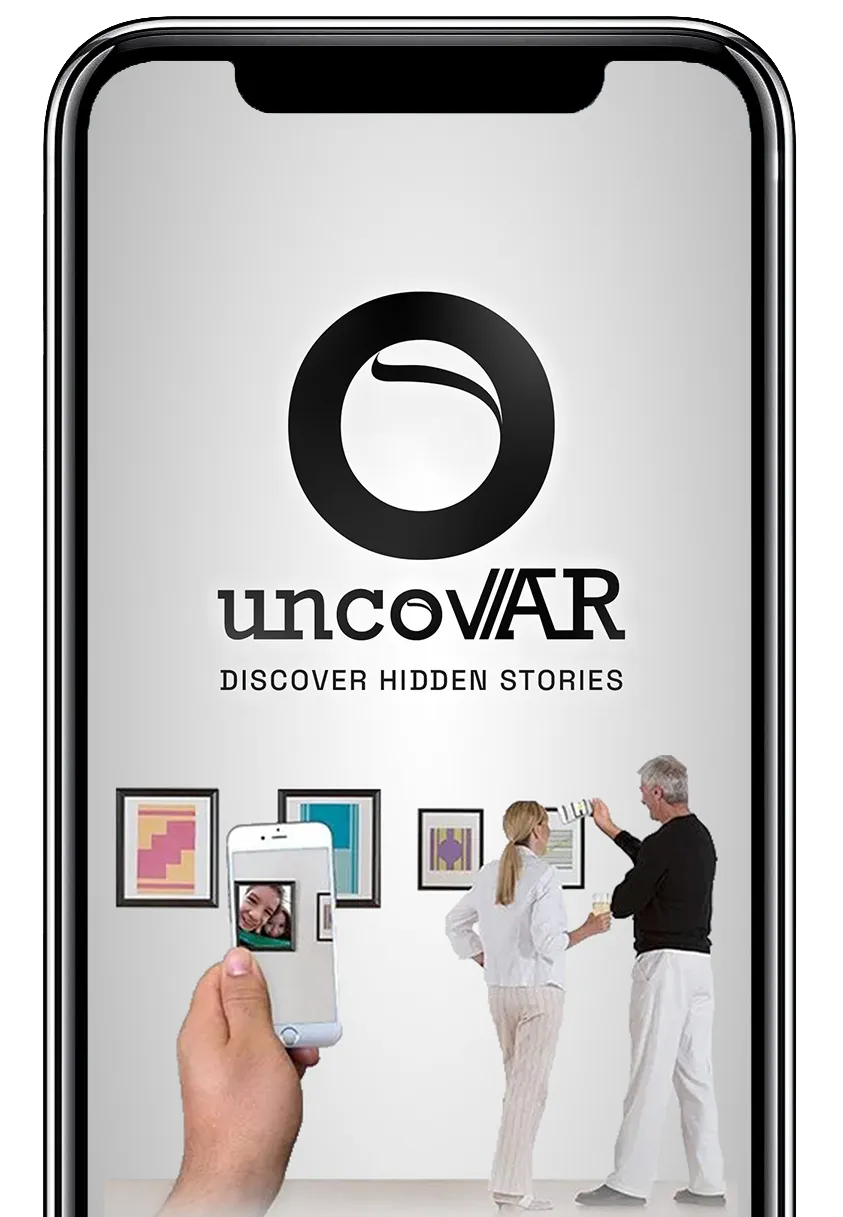
We combine graphic design and technology to bring still images to life. A picture stops being “just a picture” and gets a voice of its own.
Our clients range from people celebrating a special occasion to businesses that need studio-quality design and AR again and again. Our design work lives at uncovarstudio.com.
Can your marketing materials explain themselves without you being there?
The answer is yes.
Key features
Studio-grade AR,
without the studio overhead
-
Publish it yourself, in minutes
Upload your image and its video in the creator portal, place the overlay and hit publish. It can be scanned as soon as it saves, so there's no one to wait on.
-
AR everyone can afford
AR tools aren't always easy to use, and they're rarely cheap. We built uncovAR so you can add AR to what you make without paying an enterprise price.
-
Customize it now and later
For us, AR is more than a video on a picture. It's the rest of your story: links, a tap to call, a tap to email. And you can change any of it whenever you like.
Your AR content can change as often as you like. Upload through the portal and it goes live the moment you publish. Swap the video later and every print already out there shows the new one.
Open the creator portalHow to use the app
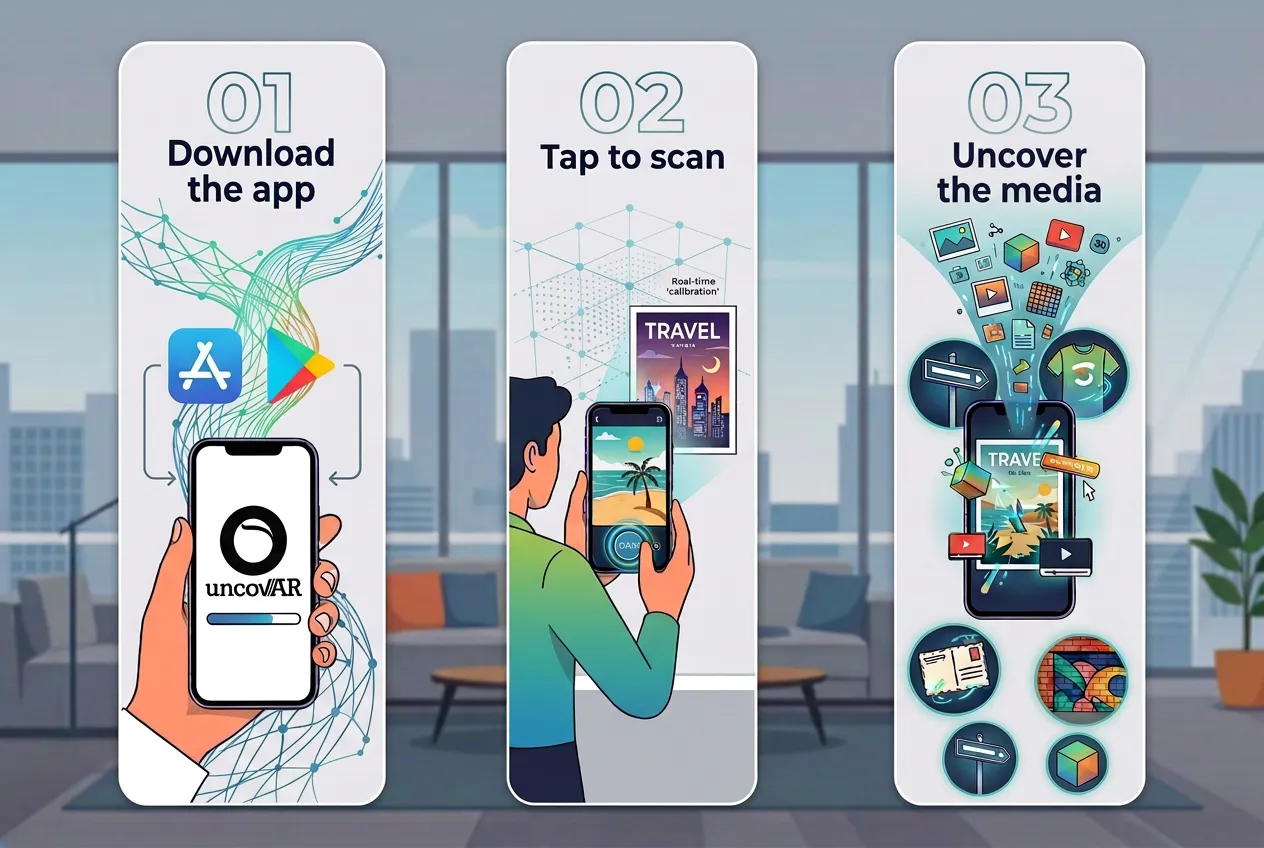
Three steps, about ten seconds
-
01
Download the app
Get the uncovAR app free from the App Store or Google Play.
-
02
Tap to scan
Tap the scan button and point your camera at the image. There's no QR code; the picture itself is what the app recognizes.
-
03
Uncover the media
When the app recognizes an image that's been uploaded to uncovAR, the video, sound, pictures and links its creator added appear right on top of it.
Get started
Download uncovAR
Bring your own pictures, prints and projects to life.